There are no items in your cart
Add More
Add More
| Item Details | Price | ||
|---|---|---|---|
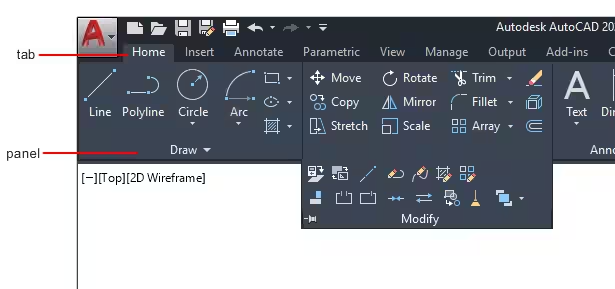
The course offers an in-depth overview of AutoCAD commands and how to use them to solve drafting and design issues. It helps you make 2D drawings & prepare yourself job Ready in the design field.
The course is conducted live, which means you get the opportunity to interact with the instructors and other participants in real-time, allowing you to clear any doubts and get a better understanding of the concepts.
The course includes real-world projects that give you hands-on experience and help you apply the concepts you learn in a practical setting.
The course is designed to make you job-ready by providing you with the necessary skills and experience to work on AutoCAD projects professionally.
The course is taught by experienced instructors who have extensive knowledge and practical experience in AutoCAD, ensuring that you receive quality education and guidance.
Enrolling in this course gives you access to a bonus of additional study material, including practice drawings, study PDF’s and more.
Students will get basic to job-ready knowledge of AutoCAD, which will help the student to boost their careers in the field of design.
Students will learn 2D drawing with different tools required to make drawings and also important commands which are required to access the tools.
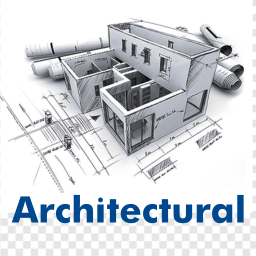
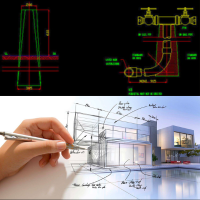
Students will understand the mechanical and architectural drawings and also learn the Drafting of the models.
Students will get real-time projects which help them to understand, how the actual work is carried out in industries. Students will also get mechanical and architectural practice drawings which help students to create industrial drawings.
After Completing Course You can do
AutoCAD एक computer-aided design (CAD) software है जिससे आप 2D aur 3D designs, drawings aur models बना सकते हो , चाहे आप मैकेनिकल, इलेक्ट्रिकल, सिविल, आर्किटेक्ट, इलेक्ट्रॉनिक्स किसी भी फ़ील्ड से डिग्री, डिप्लोमा या आईटीआई किये हों। आप AutoCAD सीख कर अपने करियर को फास्ट ग्रोथ दे सकते हो, डिजाइन डिपार्टमेंट में अच्छी सैलरी वाली नौकरी पा सकते हो, अपने घर का नक्शा बना सकते हो, ऑनलाइन घर बैठे AutoCAD डिज़ाइन सर्विस बेच कर फ्रीलांसिंग से पैसे भी कमा सकते हो। बाकी लोगों के मुक़ाबले आपके पास एक additional skill भी होगा जो आपके करियर में कई नौकरी के अवसरों के दरवाज़े खोल देगी।
Civil Engineers Architecture Students Interior Designers Mechanical Engineers, draftsman, students, designers, and कोई भी लोग जो AutoCAD सीखना चाहते हैं
हा, ये कोर्स हिन्दी में होगा!
30 Days, हर हफ़्ते 4 क्लास, 1 घंटे की 1 क्लास
अपने खुद के AutoCAD ड्राइंग, प्लान और लेआउट तैयार करना और Edit करना सीखेंगे! in-depth AutoCAD सोफ़रवेयर की Practicle ट्रेनिंग, Work with projects like floor plans and mechanical drafting, Design Skills, Important Concepts, Industry Standards Tools & Techniques Knowledge & More!
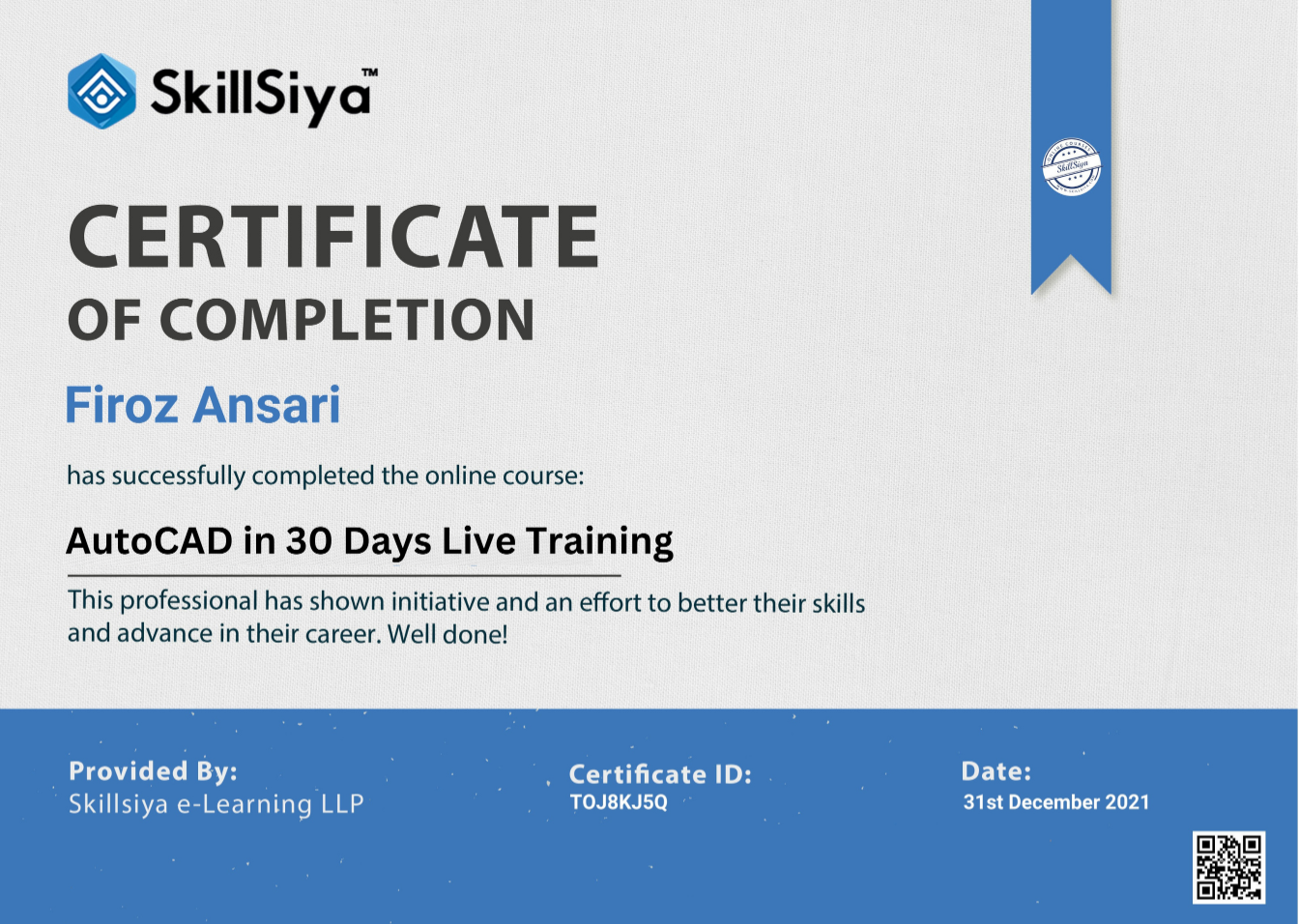
हा, सर्टिफिकेट भी मिलेगा!
कोर्स में Join होने के बाद, आपको एक टेलीग्राम ग्रुप में जोड़ दिया जाएगा। इस Live ट्रेनिंग कोर्स बैच में 100 Students होंगे, Live Class की Date और Time हम जल्द ही ग्रुप में अपडेट करेंगे। सीट सीमित है ... 100 Enrollment होते ही, क्लास शुरू हो जाएगी।"
Course के Instructor Mohsin Mahaldar रहेंगे, जो की एक डिजाइन इंजीनियर के रूप में 3 अलग-अलग कंपनियों में 4 साल के काम अनुभव के साथ हैं। उन्होंने ऑटोकैड पर कई मैकेनिकल और आर्किटेक्चरल प्रोजेक्ट्स के साथ काम किया है। उनकी शैक्षणिक योग्यता B.E (Mechanical) में है और उन्हें SSJ Je Qualified हैं
हाँ!
Disclaimer: This website in no way is affiliated with FaceBook™ or any FaceBook™ entities. Once you leave FaceBook™ the responsibility no longer is on their site. The results shall vary from person to person. During this event, we are creating an environment and providing you with necessary resources and strategies for you to be successful. However, it would completely depend upon your efforts. We have taken all necessary steps to provide you with the most accurate information on this page.
Software Disclaimer – We do not host software and files on our server, all contents are provided by non-affiliated third parties. Therefore, we are not responsible for any kind of loss related to the software. You can use the software as you wish!
 Launch your Graphy